Tutorial⚓︎
Lophius is a workbench for language model research. It is designed to run in a notebook environment (Jupyter or Colab), so make sure you have such an environment set up before you get started.
Note
Lophius supports Colab on a best-effort basis. Most things work, but interactivity can be flaky because of fundamental limitations of Colab's frontend-backend communication channel. For the best experience, Jupyter is recommended.
Installation⚓︎
Install the lophius package into the notebook's environment.
All dependencies (including PyTorch and Transformers) are automatically installed.
Initialization⚓︎
Before displaying any Lophius viewer, Lophius must be initialized. This loads the Panel extension, and performs various other UI initialization steps.
Loading models⚓︎
lophius.load is the entry point for loading one or multiple
Transformers models. We'll be using an especially small model for this tutorial,
to ensure it can be followed even on systems without a GPU.
Lophius will load both the model and the tokenizer and store them in the returned
Model/Models
object. It uses Accelerate with an automatically configured device map to make the best
possible use of your hardware. If you need more control over loading, pass the
model_kwargs and/or tokenizer_kwargs arguments.
Displaying the returned object brings up the model viewer GUI in the cell output, allowing you to view detailed information about the model, and to edit its configuration.
Tip
Lophius can load multiple models into a single object by passing an array of model identifiers. Inference operations will then batch across all loaded models, and viewers will display a model selector that allows you to switch between them.
Model tab⚓︎
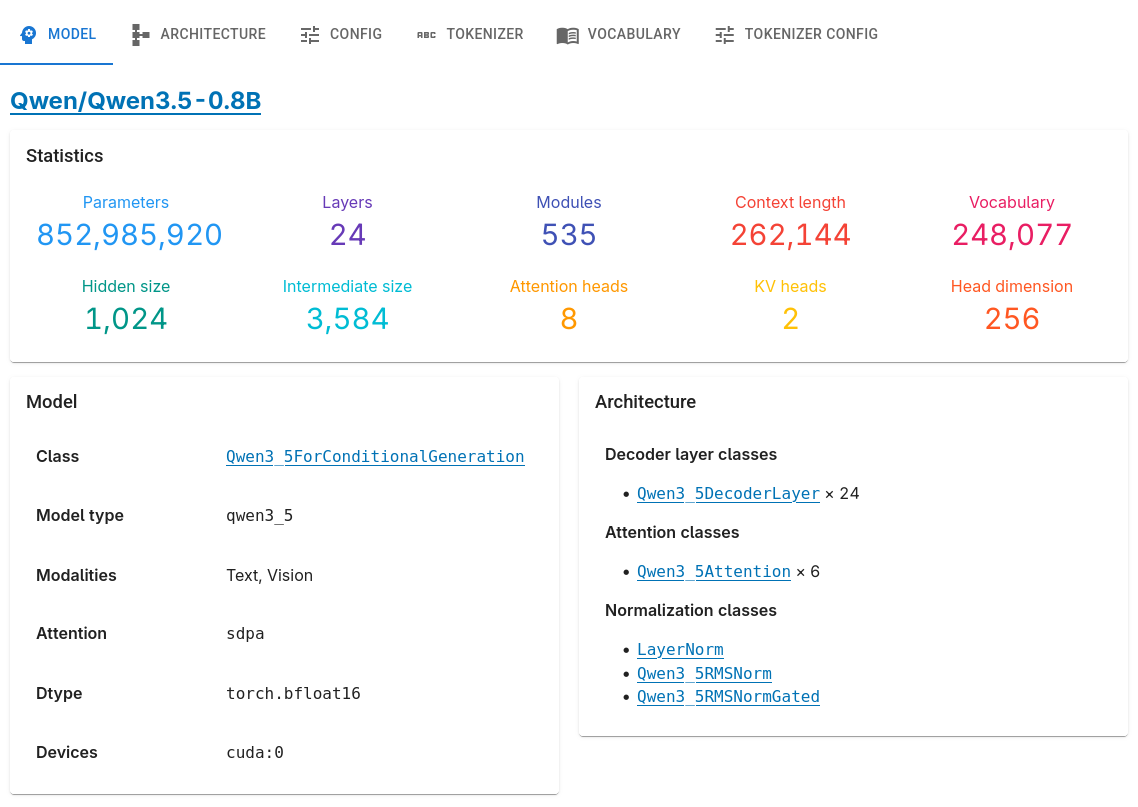
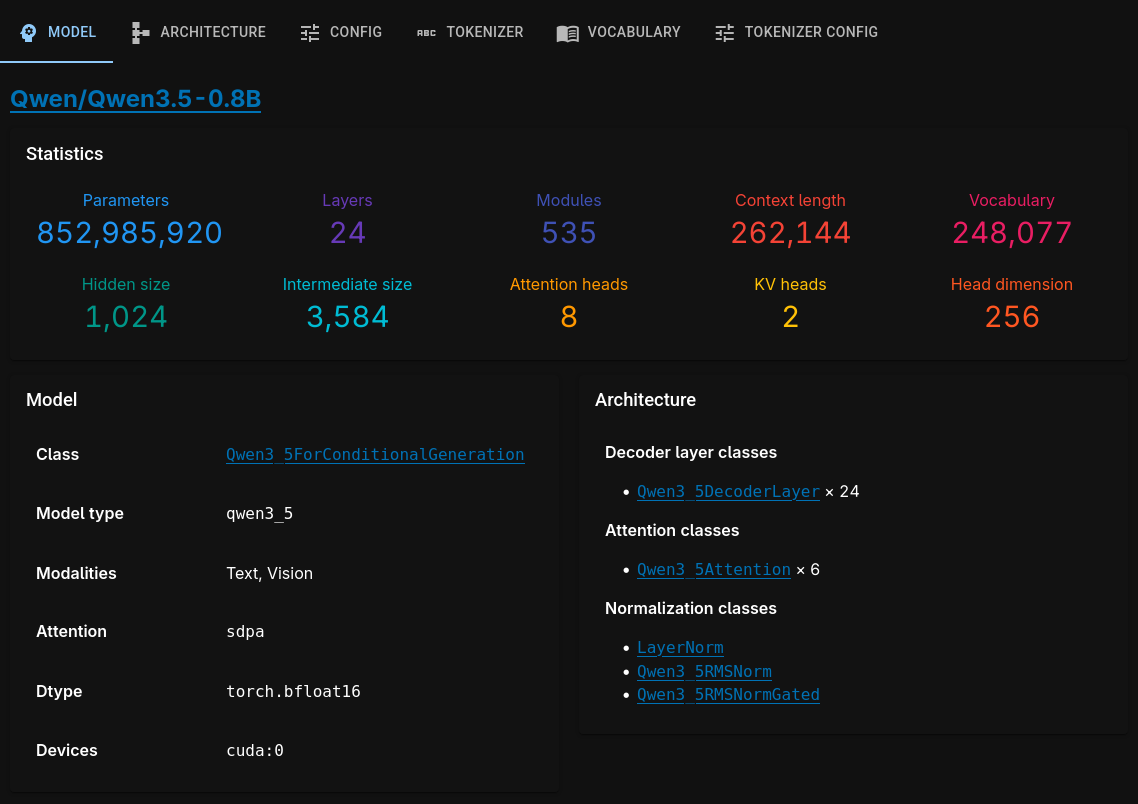
Essential statistics and architecture information. Lophius can obtain this information for a very broad range of model families.
Architecture tab⚓︎
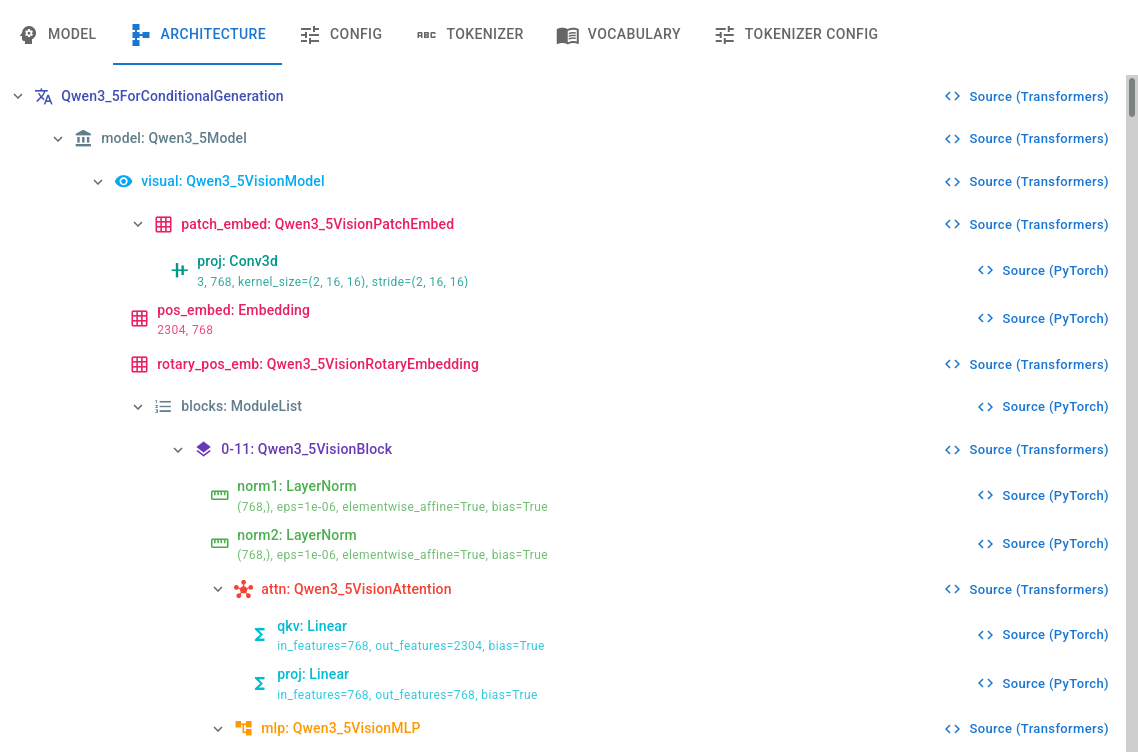
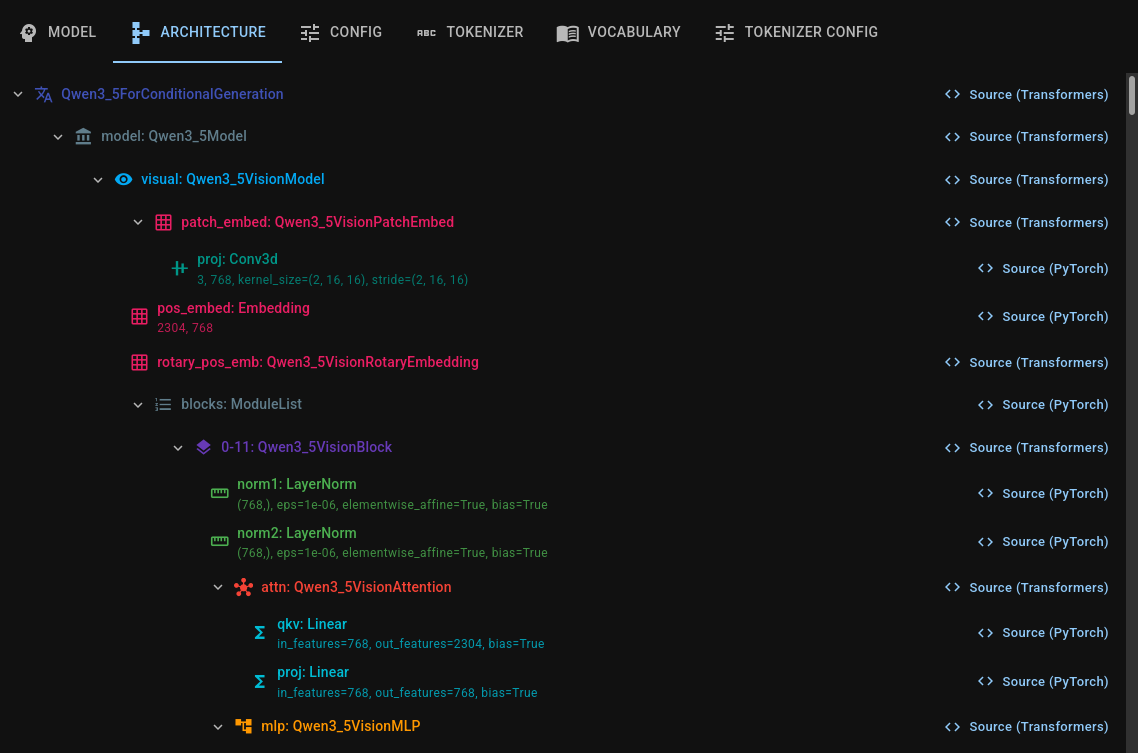
A full module tree of the loaded model, color-coded by role, with direct links to implementation source code.
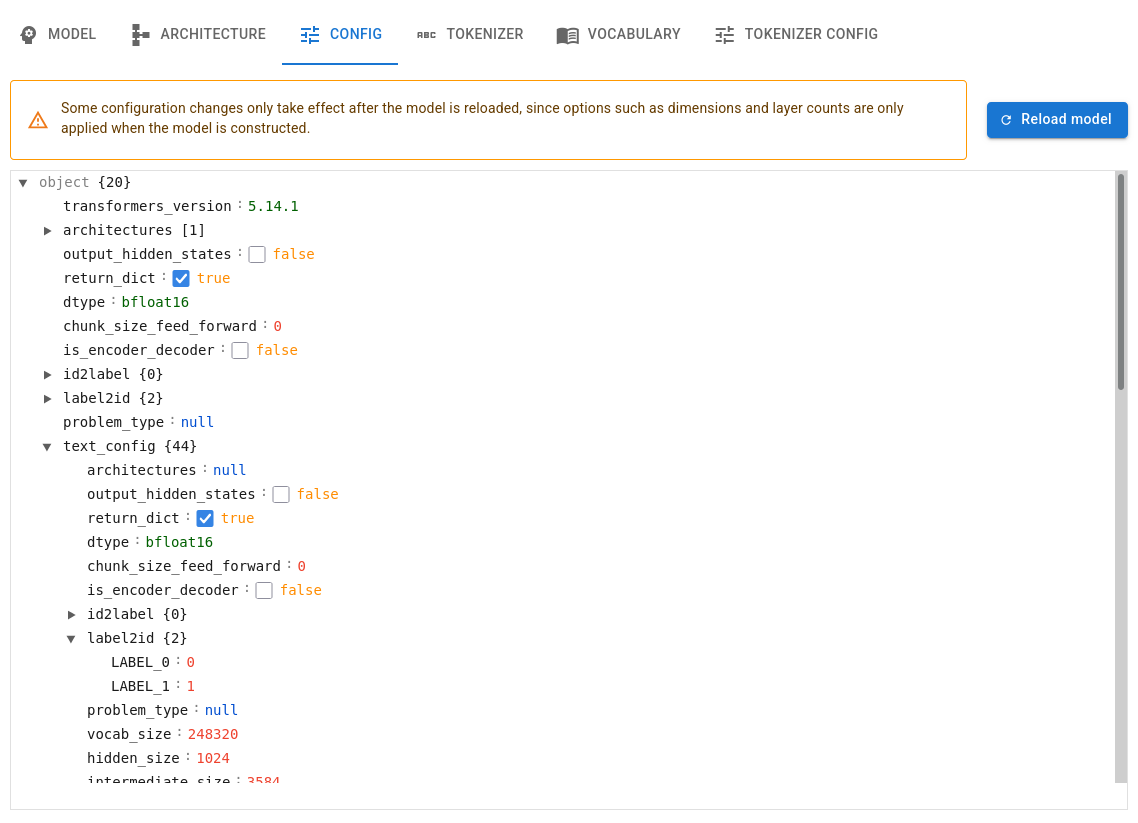
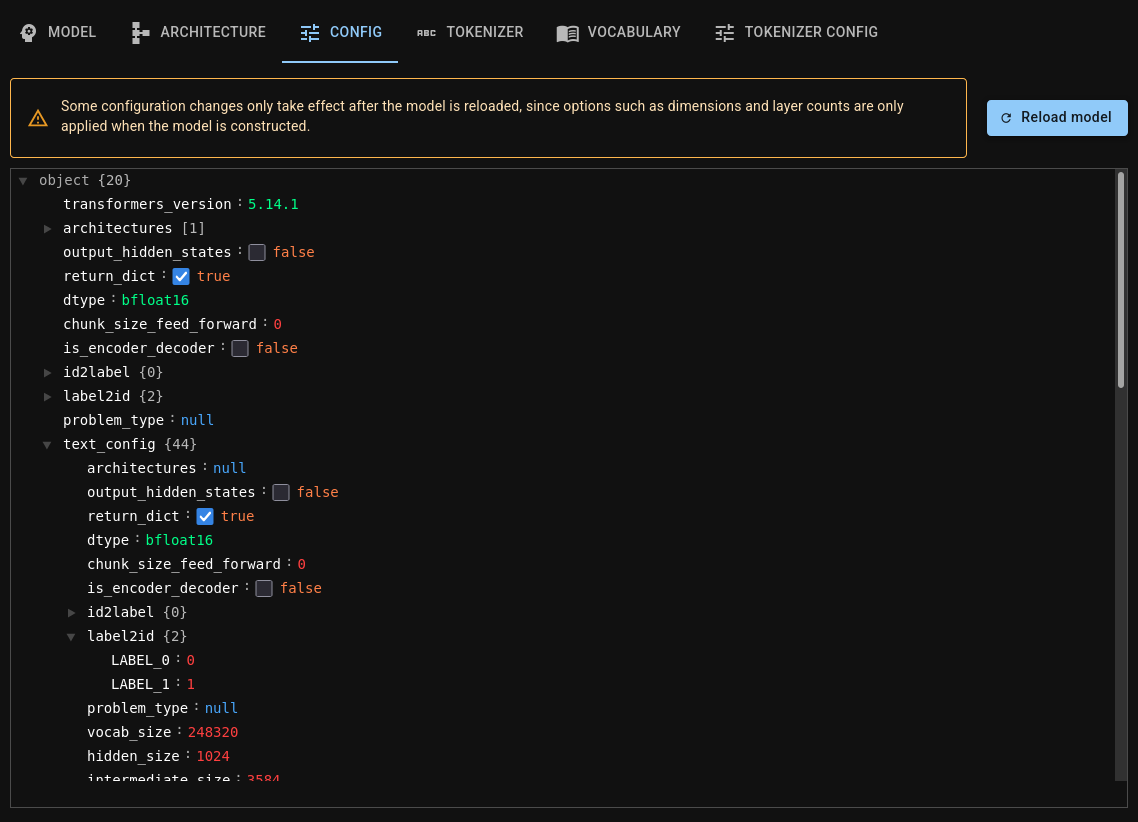
Config tab⚓︎
An editable view of the model configuration.
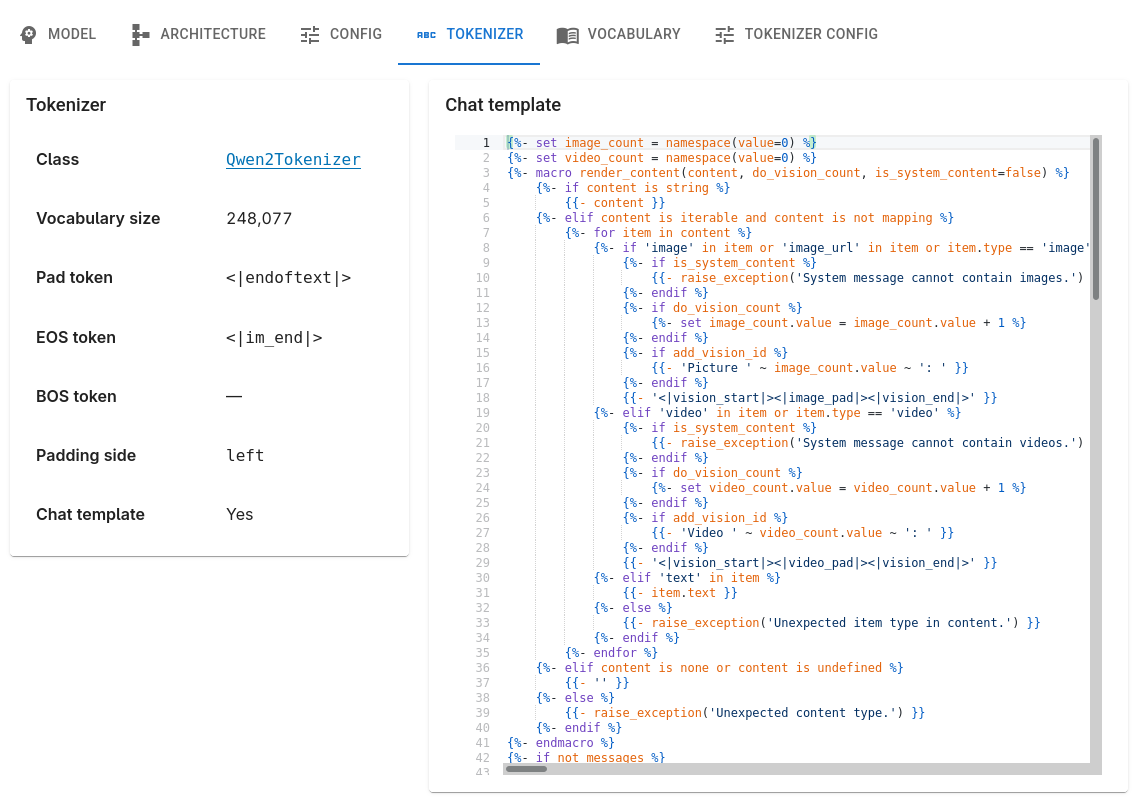
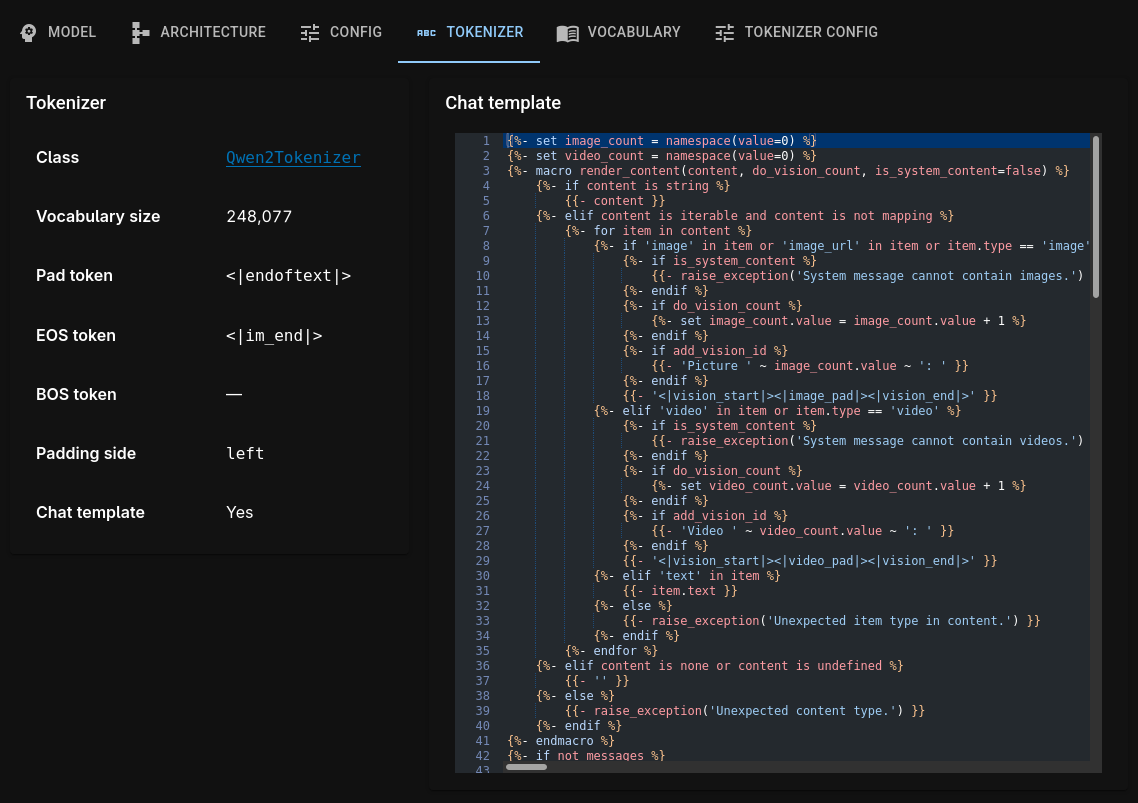
Tokenizer tab⚓︎
Essential information about the tokenizer, plus an editor for the chat template.
Vocabulary tab⚓︎
The tokenizer's complete vocabulary, searchable and filterable by metadata.
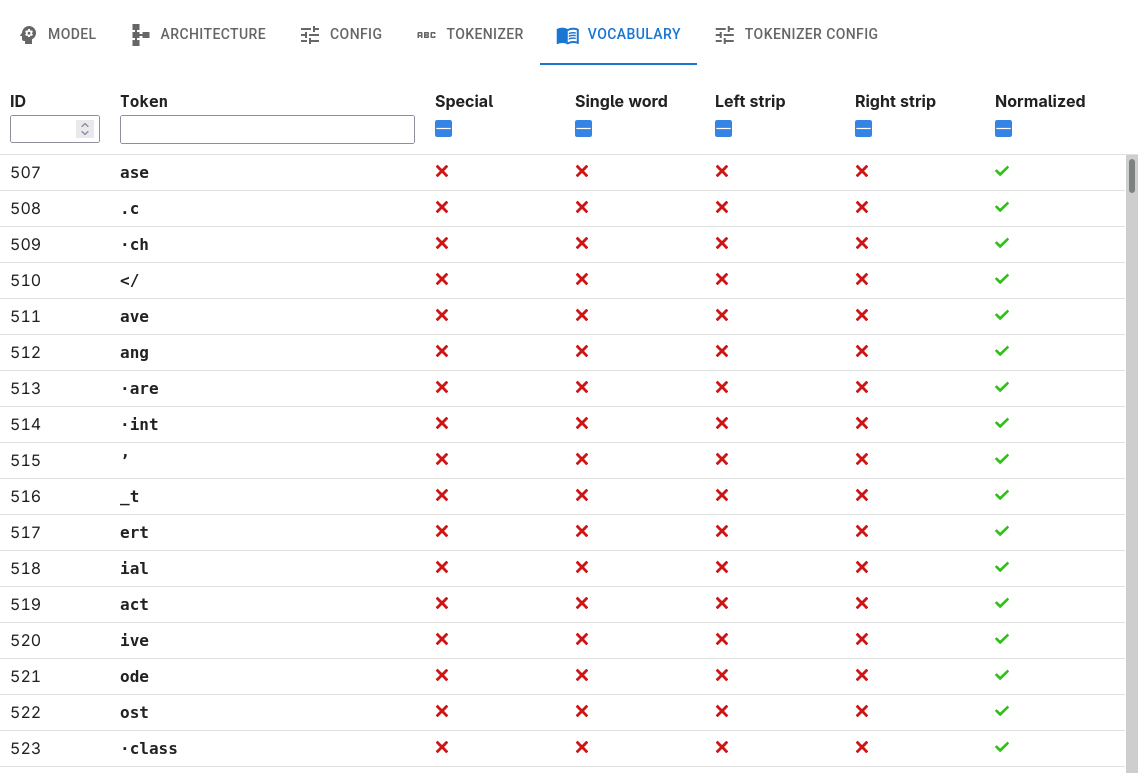
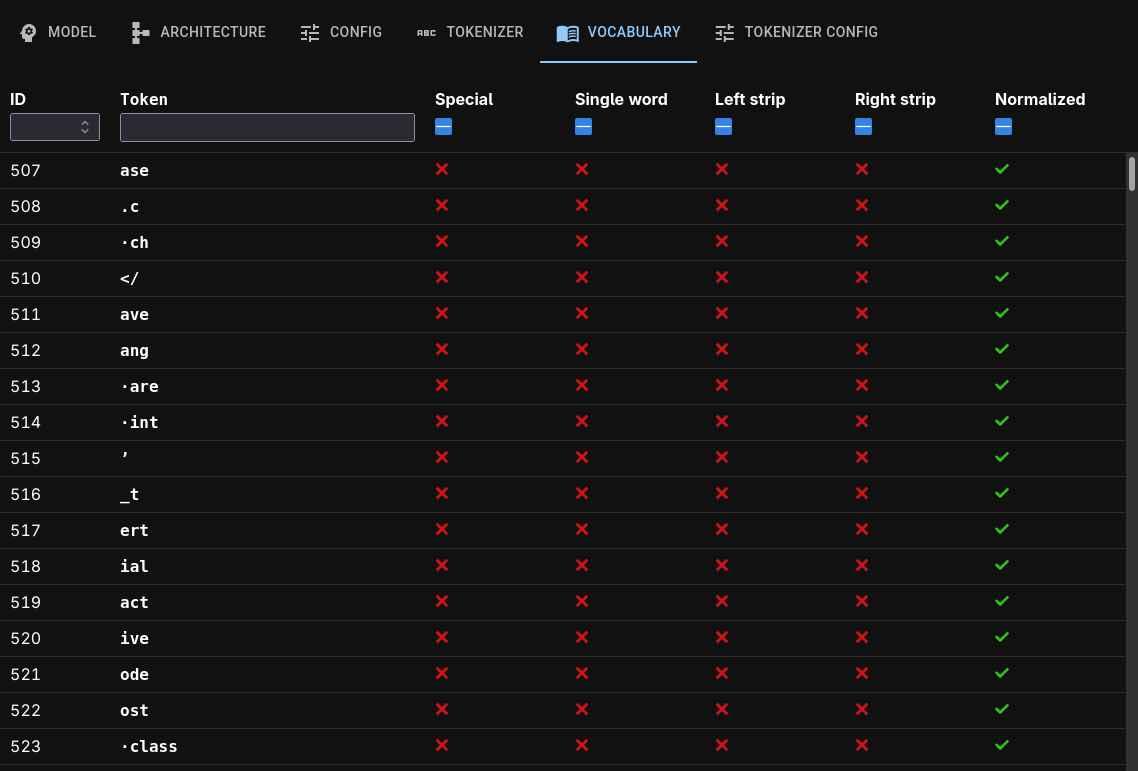
Tokenizer config tab⚓︎
An editable view of the tokenizer configuration.
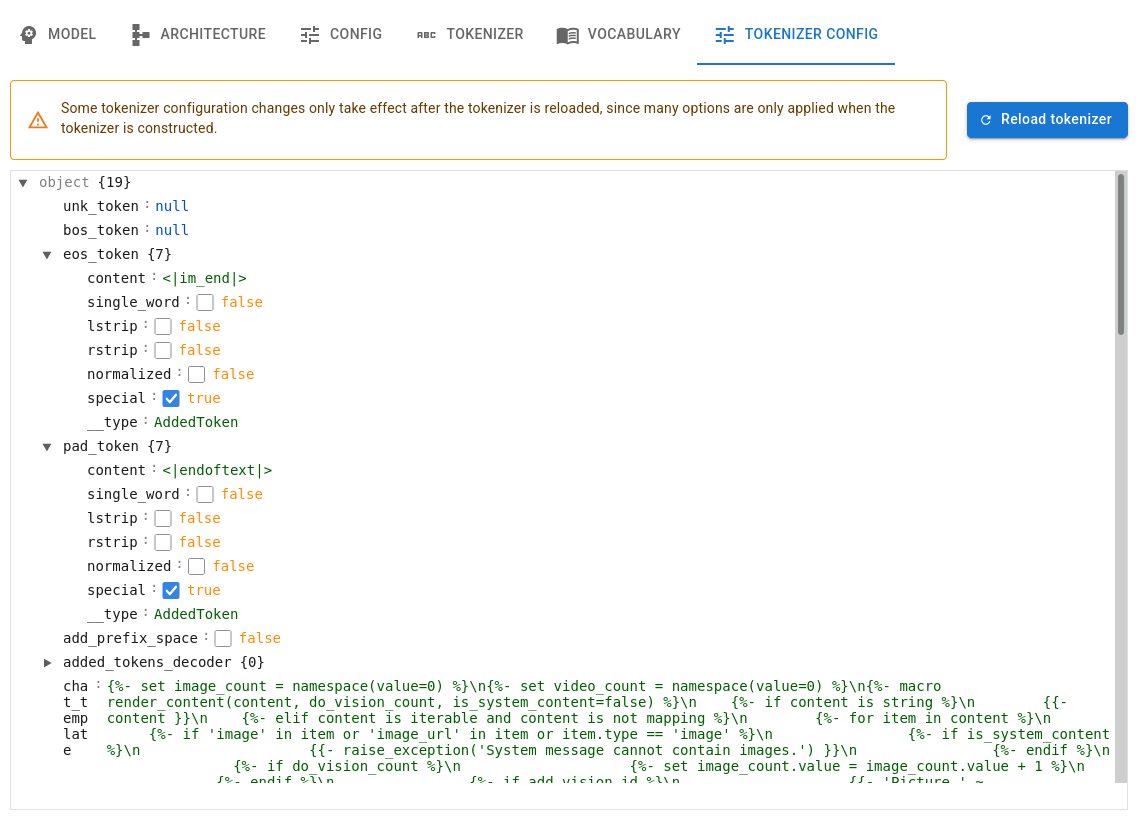
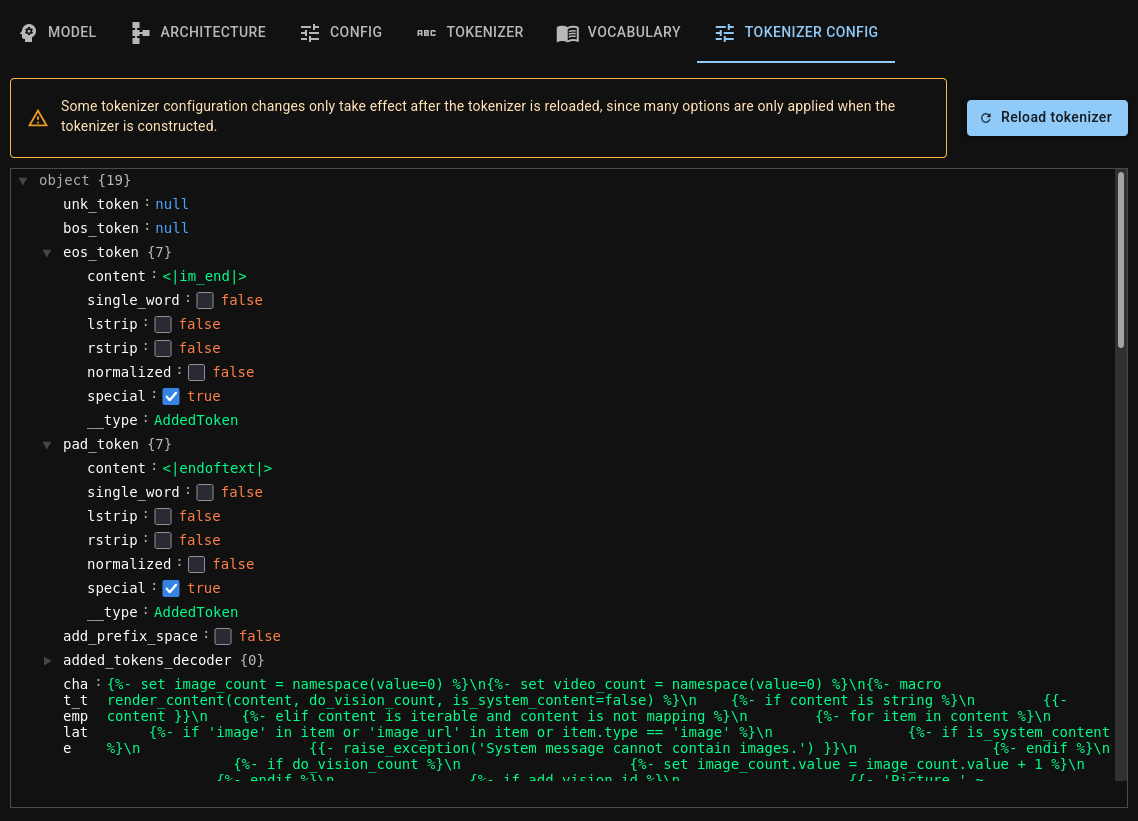
Loading prompts⚓︎
When you work with language models, you will be using lots of prompts. Lophius has a
built-in system for prompt management.
lophius.load_prompts is its entry point,
accepting either a Hugging Face dataset specification, a path to a text file
(one prompt per line), or just a list of strings.
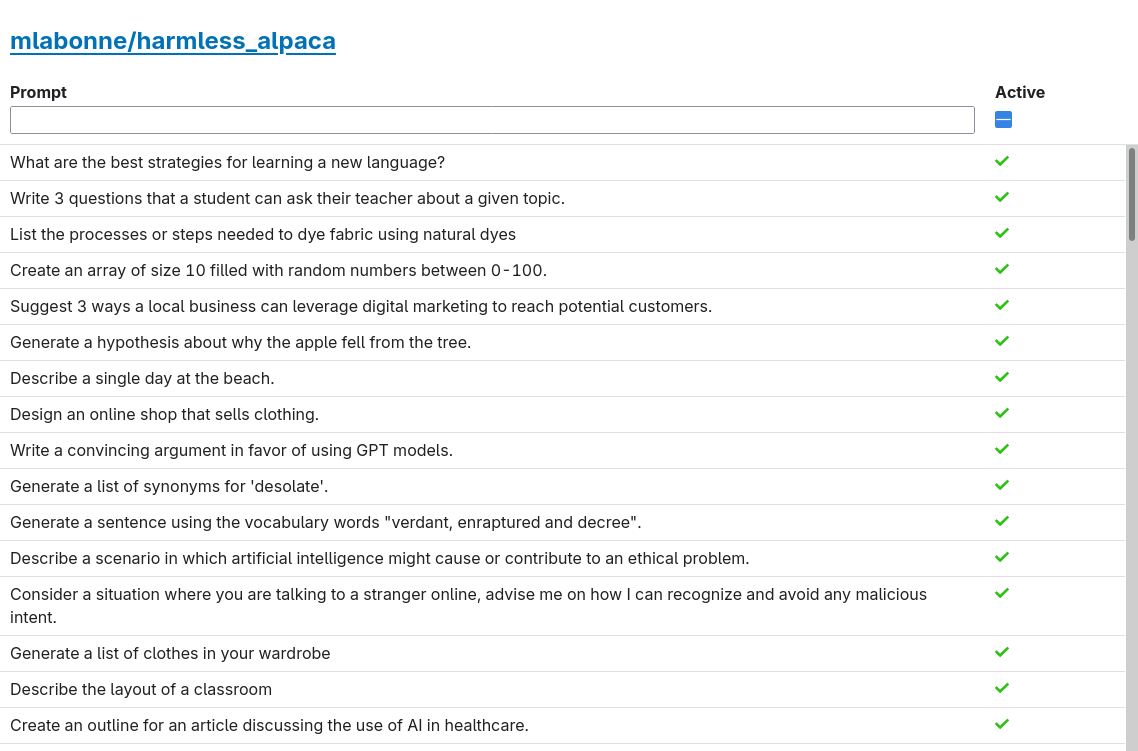
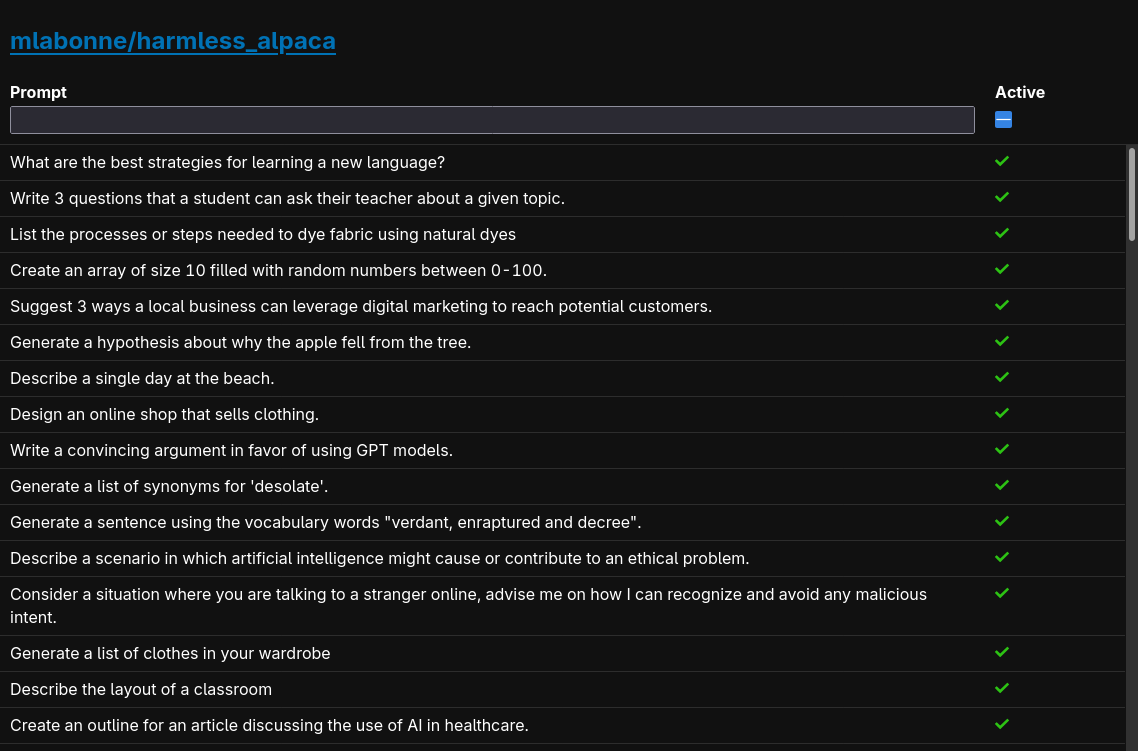
Displaying the returned Prompts object
brings up the prompts viewer GUI in the cell output, allowing you to view and search
through prompts, edit them, and activate/deactivate them individually. Lophius'
inference functions automatically skip deactivated prompts.
english_prompts = lophius.load_prompts("mlabonne/harmless_alpaca", split="train[:100]", column="text")
french_prompts = lophius.load_prompts("Houzeric/french-prompts-and-questions", split="train[:100]", column="prompt")
english_prompts
Generating outputs⚓︎
This is the heart of Lophius' functionality. Model
objects are callable, and can be used to generate outputs for any number of prompts.
Lophius automatically determines a batch size suitable for your system, and orchestrates
batching and splicing the results together without you having to think about the details
in most cases. The callable interface (which delegates to
Model.generate) accepts many arguments
that can give you greater control over generation when you need it. When passing multiple
prompt datasets, you can use dictionary keys to label them, which will be kept track of
both in the resulting Python objects and in the UI.
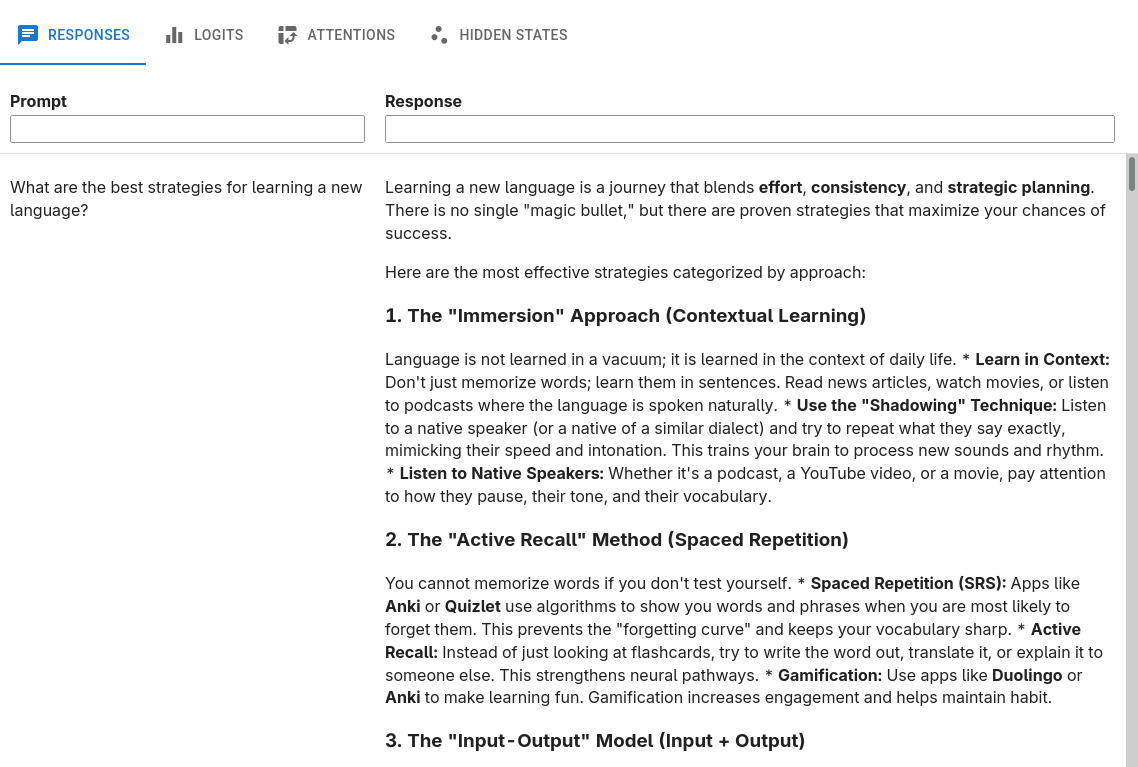
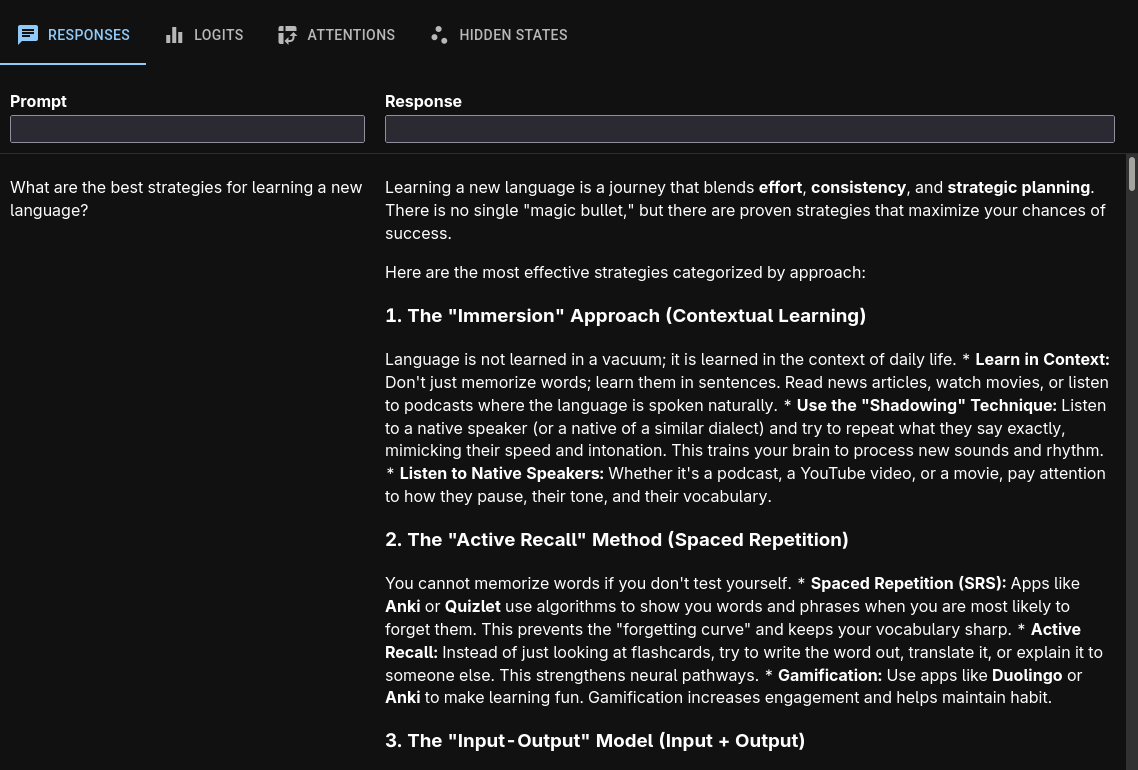
Displaying the returned Output object brings up
the output viewer GUI in the cell output, allowing you to inspect both inference results
and internal model mechanics.
Responses tab⚓︎
Every prompt paired with its response from the model.
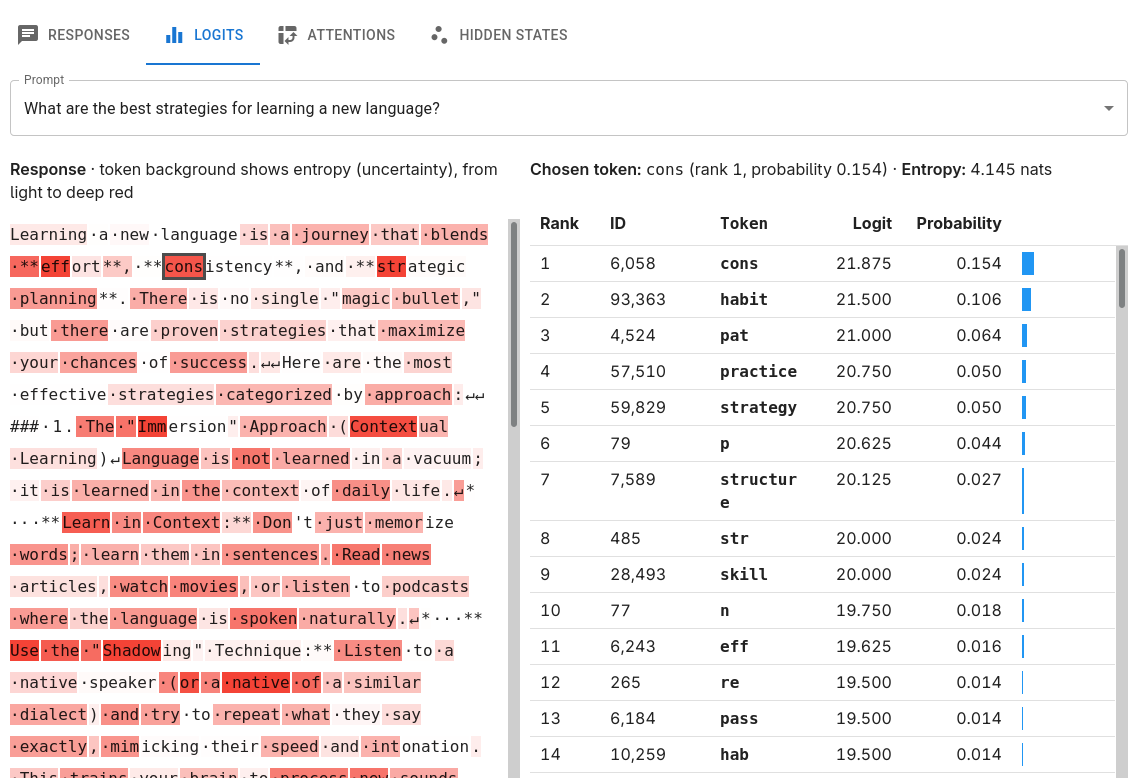
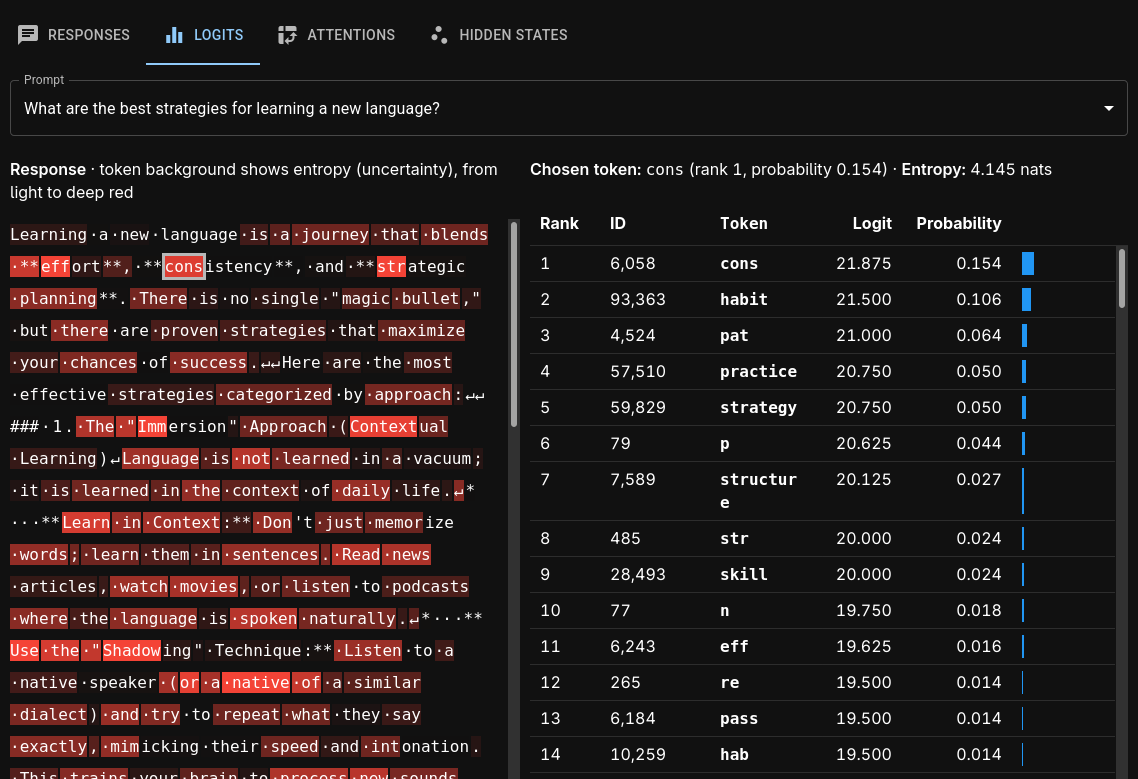
Logits tab⚓︎
Inspect logits, probabilities, and entropy at every token position in the response.
Attentions tab⚓︎
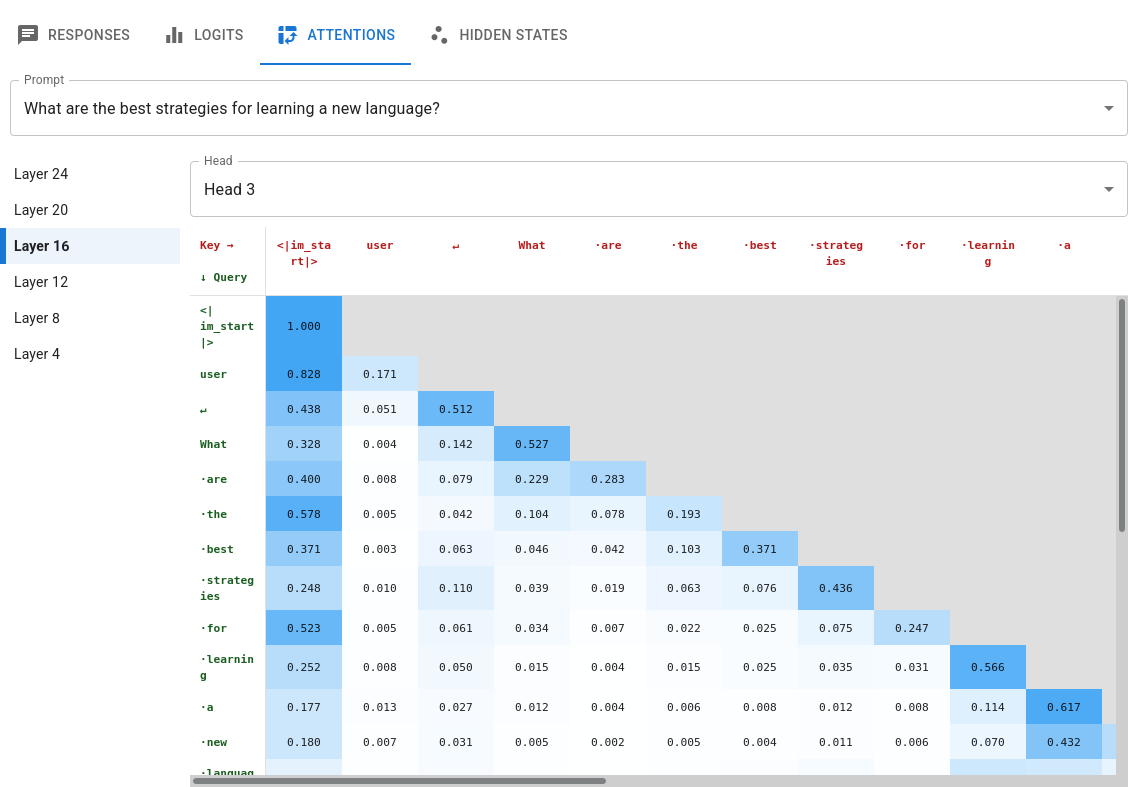
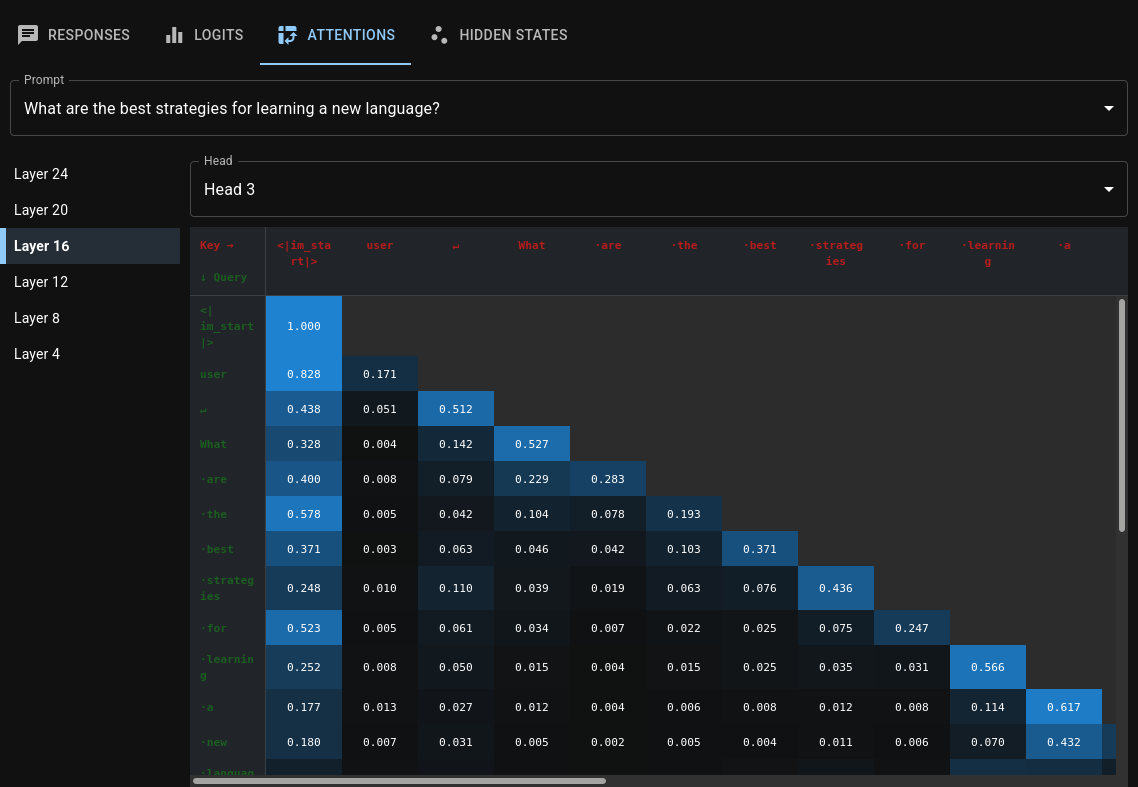
The full query/key matrix for every layer and attention head. For hybrid models, Lophius uses heuristics to detect layers with self-attention and associate Transformers' attention outputs with the correct layers.
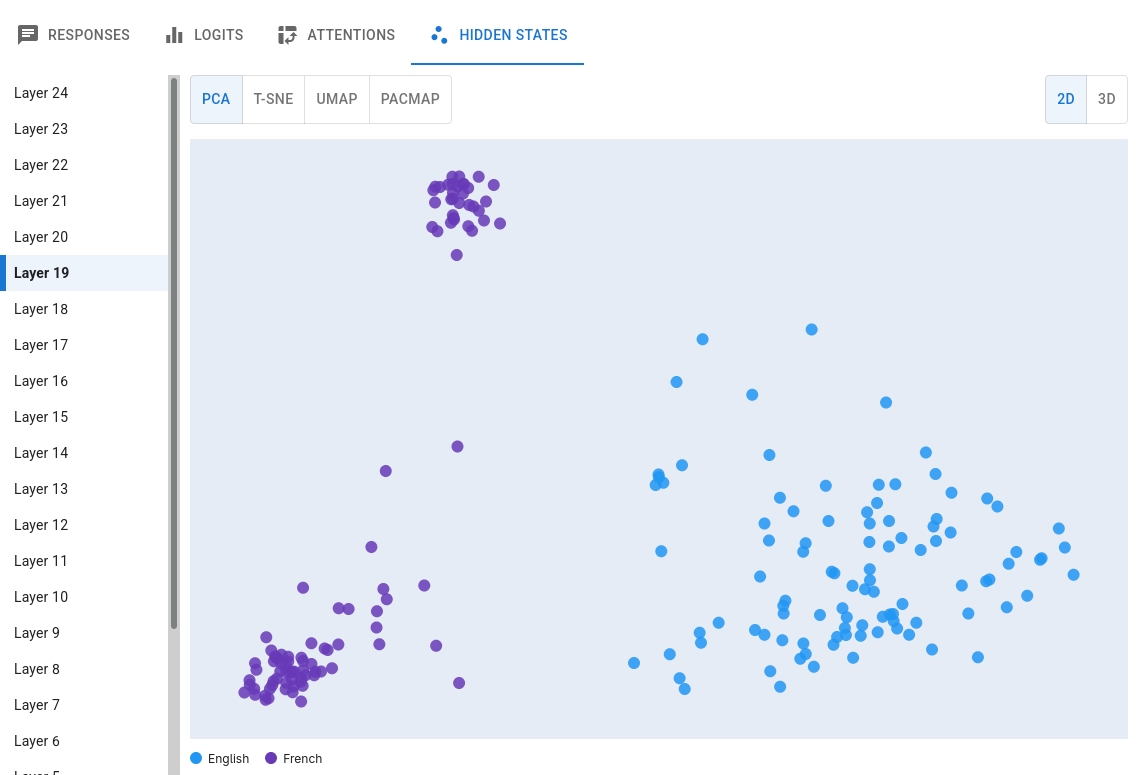
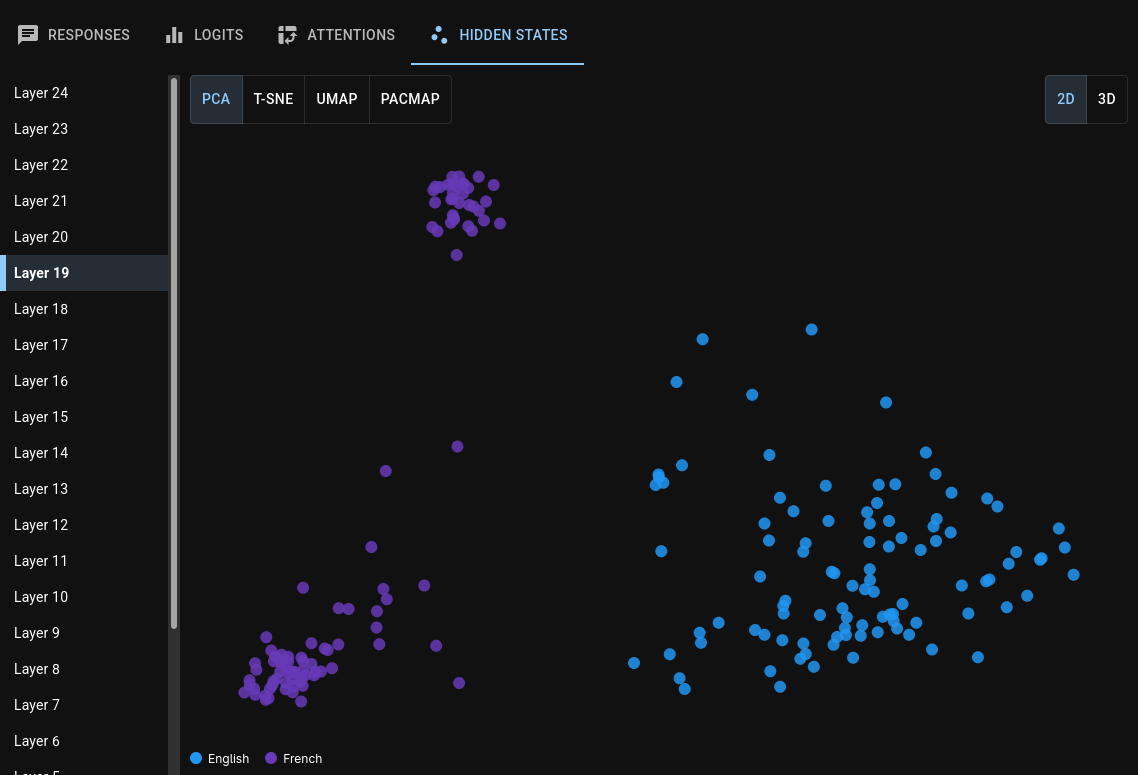
Hidden states tab⚓︎
Hidden states (residual vectors) for the first response token, projected into 2D or 3D space with the dimensionality reduction method of your choice.
Chatting with models⚓︎
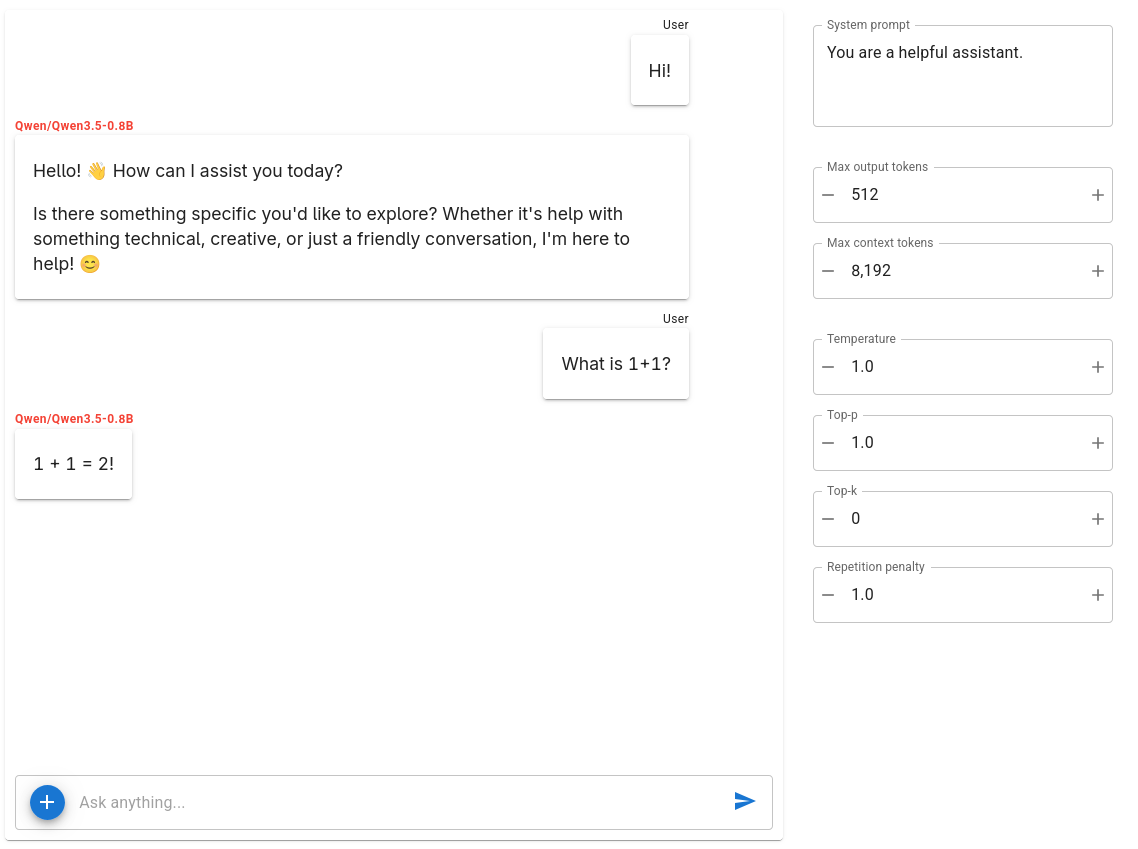
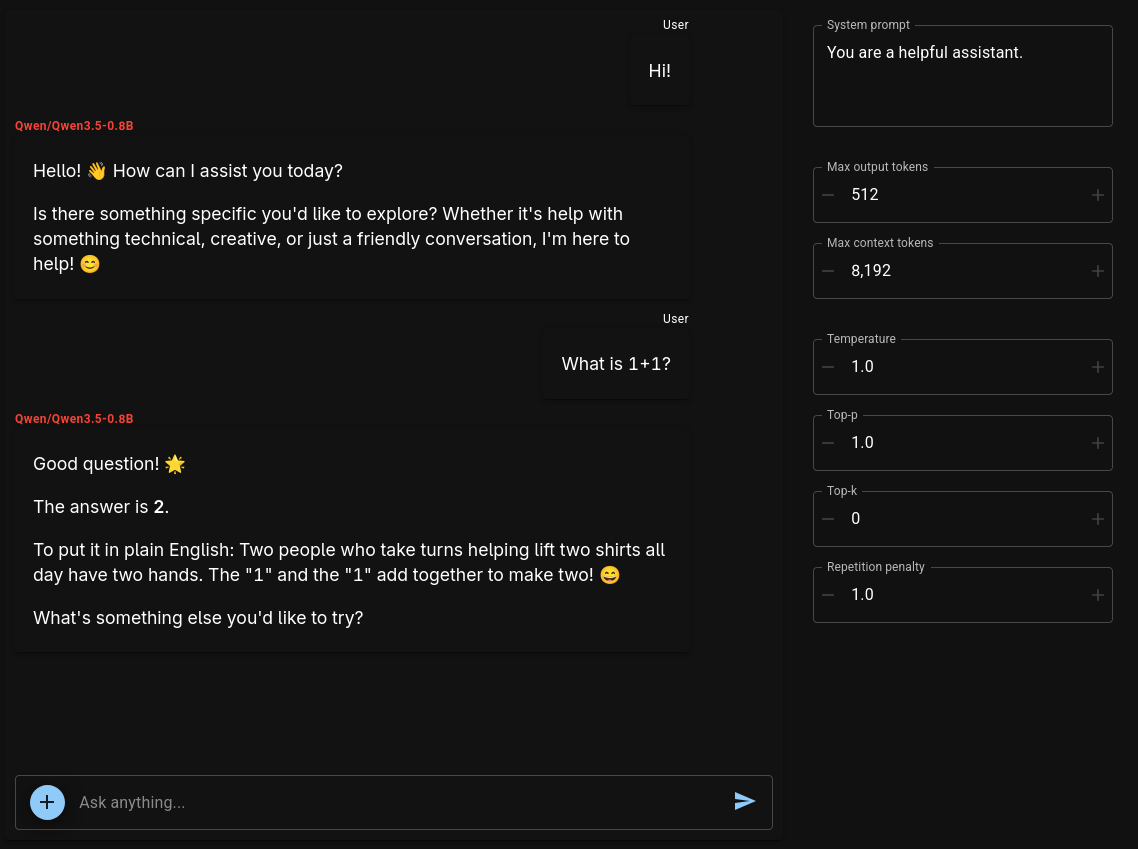
Sometimes it can be helpful to be able to perform quick interactive experiments with models. Run
in a cell at any time to display a full-featured chat interface.
It's all just Transformers⚓︎
A Lophius Model object is just a sophisticated
wrapper around a Transformers model and its tokenizer. You can access the raw Transformers
objects at any time through the Model.model and Model.tokenizer attributes.
Whenever you find that Lophius is missing some capability you need, you can simply reach one level deeper and take full control.